
Victarium
A downloadable tool for Windows
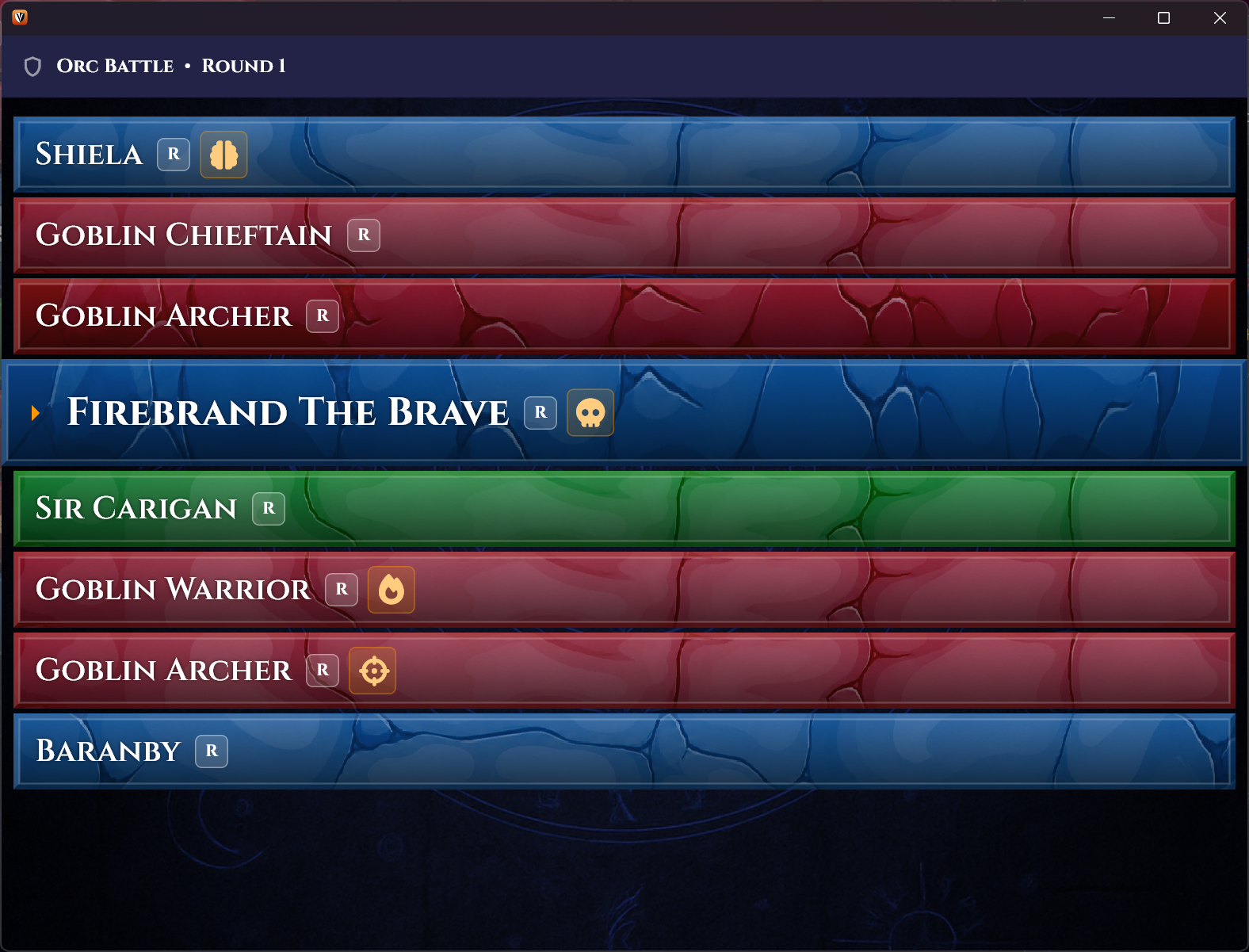
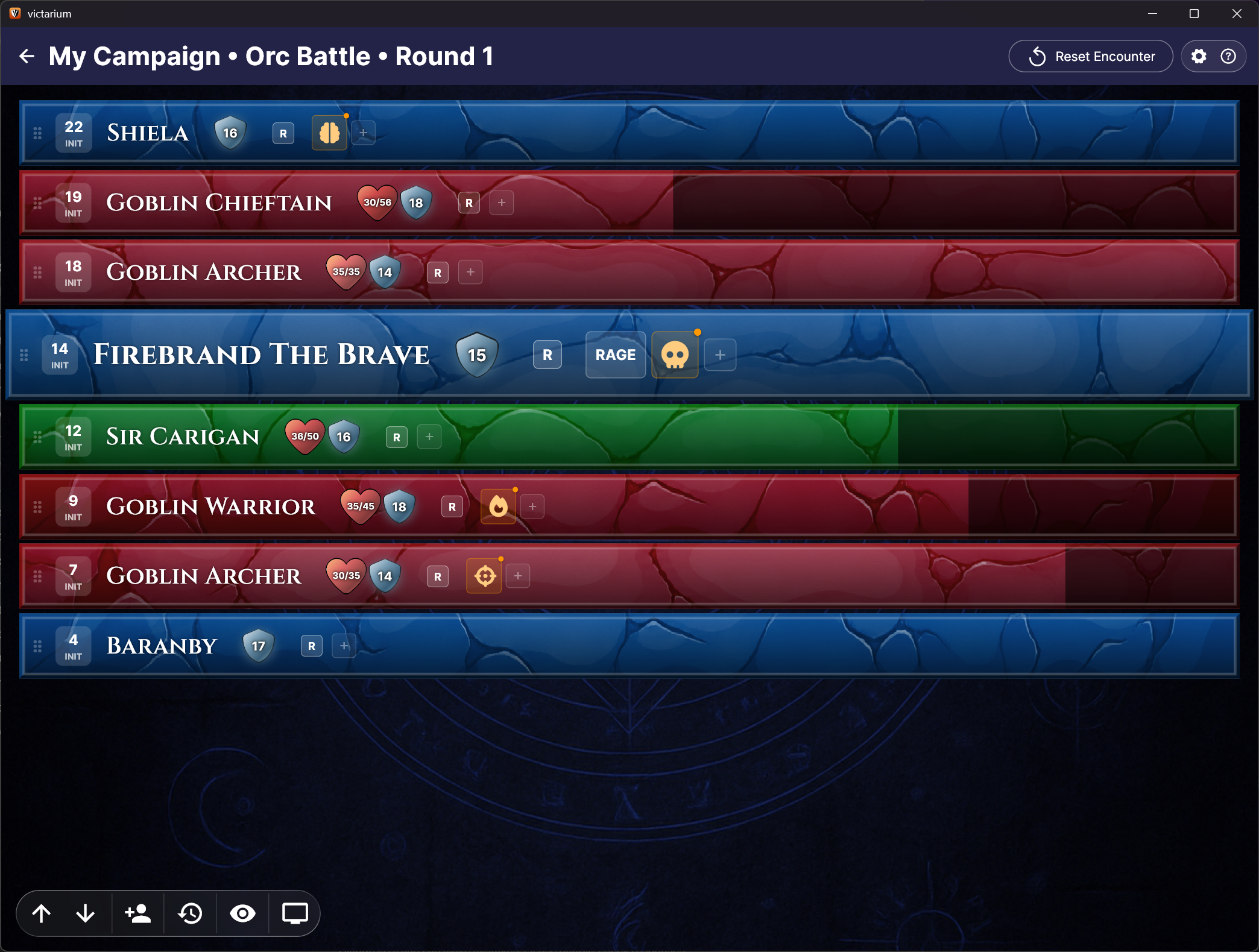
Victarium is a free combat and encounter tracker built by a Game Master for other GMs. Designed to keep the table moving and make your life easier, you can track initiative, HP, AC and conditions at a glance. It also provides a 'player view' which you can shift to a tablet or TV screen or secondary monitor to show exactly what you want to your players.
Features:
- Clean initiative tracker with drag-to-reorder for manual overrides
- Quick HP/AC tracking
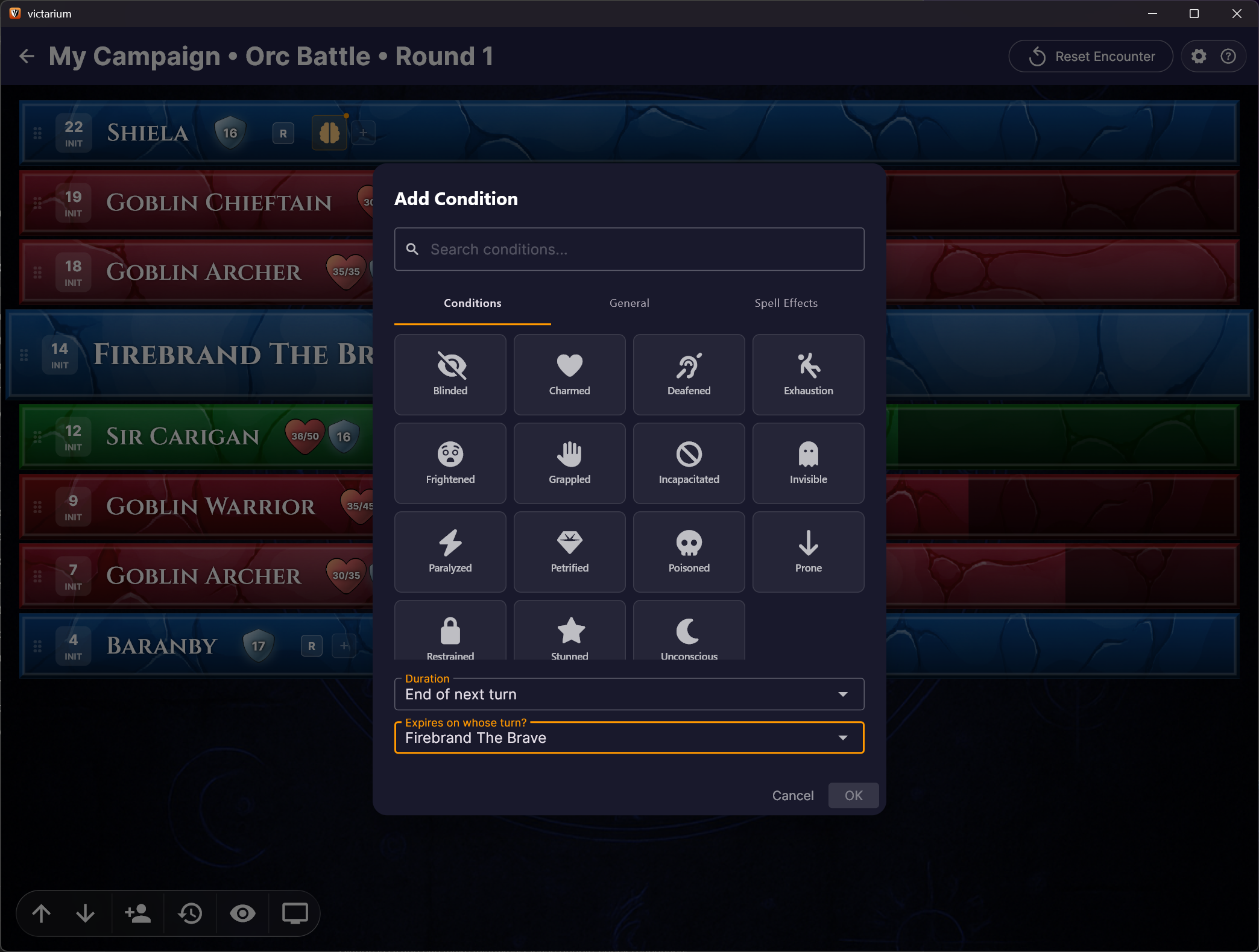
- Fully editable condition library (D&D 5.5e and Pathfinder 2e included) with custom duration and automated expiry tracking
- Dedicated player facing windows - show your table the information you want to reveal
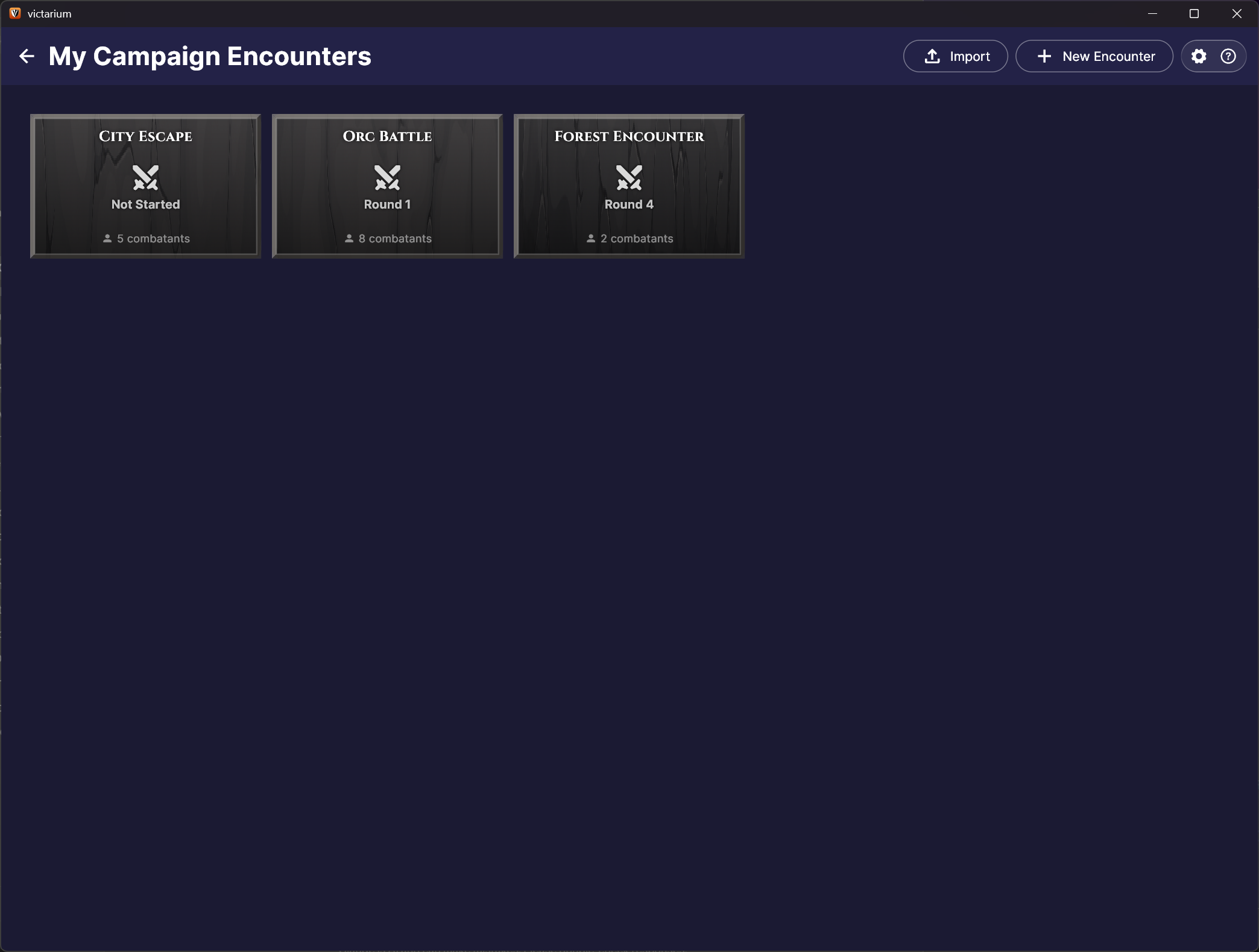
- Organize encounters by campaign, switch between fights easily
- 100% free, no ads, no account required, no Internet, all your data stays private on your machine
This is an early beta, bugs and rough edges are expected. Feedback is very much appreciated! There is a link to join our discord in the About box of the app to report issues or chat with the developers.
Please note that LLMs were only used to generate the backgrounds of the app as we don't yet have any budget to speak of. This is freeware. Our hope is we will have the budget in the future (or find a generous artist) to replace the generated art with beautiful art from a true artist.
Roll well, friends!
Download
Install instructions
Simple instructions to download and install Victarium:
- Download
Victarium-Setup.exevia the provided link - Run the installer — Windows SmartScreen may show a warning since this is a new, unsigned app. Click "More info" → "Run anyway" to proceed (at this time we do not have the budget for an expensive code signing certificate)
- Follow the installer prompts — Victarium will install to Program Files and create a Start Menu shortcut
- Launch Victarium from the Start Menu or desktop shortcut (if selected during install)
Leave a comment
Log in with itch.io to leave a comment.